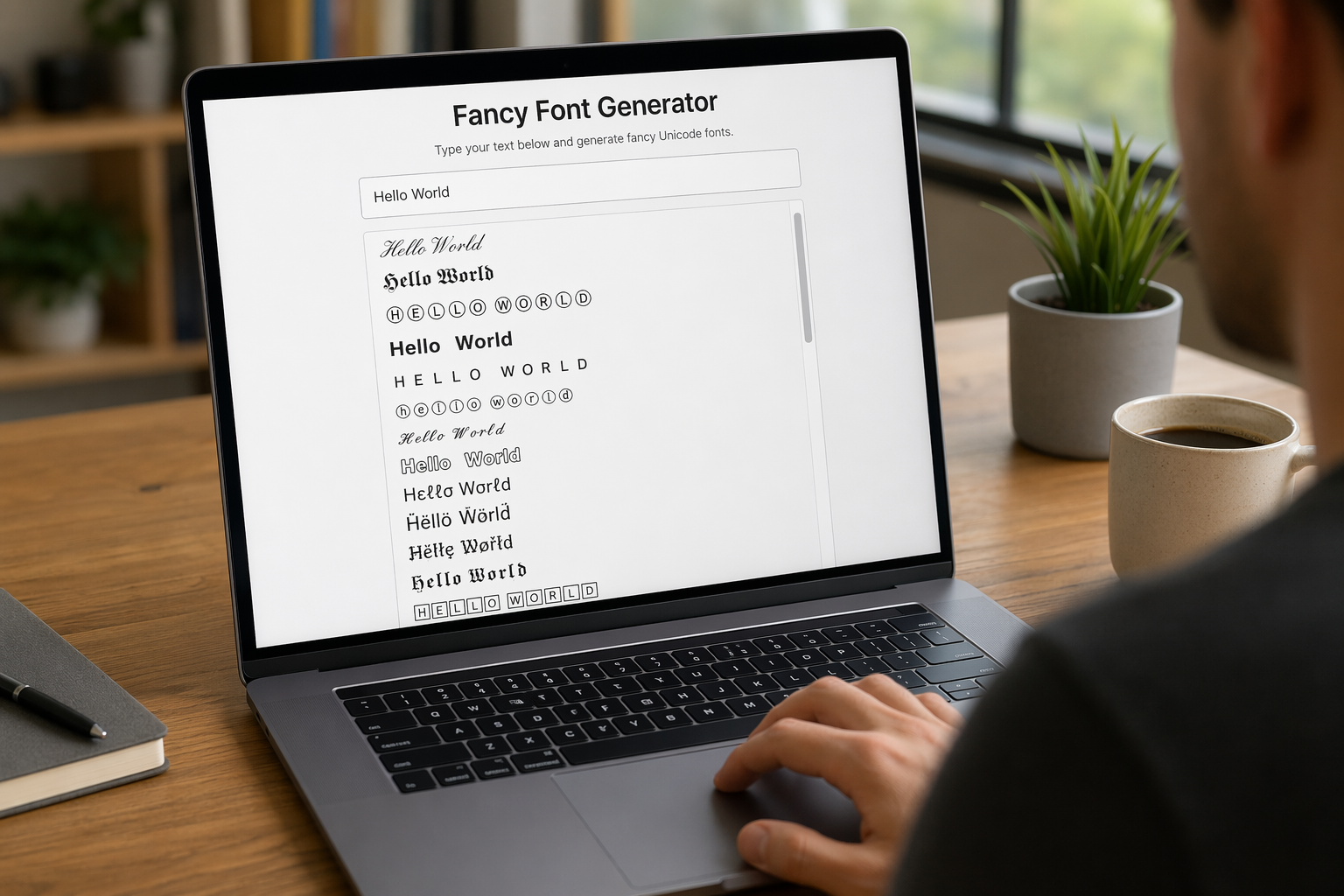
Let's be honest, in today's digital world, our words often get lost in the noise. I've been there, staring at a blank screen, wishing my text could just... scream for attention. If you've ever felt the same, then I've got a little secret to share that will change your social media game forever!
To find the best free fancy font generator, look for a web-based tool that allows you to type text and instantly converts it into various styles using Unicode characters. Top options provide a simple 'copy-and-paste' function, letting you use the generated text directly in social media bios, posts, and messages.
Trust me, I know the internet is absolutely swamped with these tools, and frankly, some are amazing while others are... well, not so much. I've personally spent hours, probably too many, diving deep into dozens of them, sifting through the duds to find the true gems. Now, I'm ready to spill the beans and share my definitive list, explaining exactly why these particular generators stole my heart (and my bookmarks!).
These are not font files but Unicode symbols, which is why they can be copied and pasted across platforms without needing special font installation.
Not all font generators are created equal. To avoid frustration and find a tool you'll love, it's crucial to know which features truly matter. Let's break down the must-haves for a top-tier font generator.
When choosing a font generator, prioritize a wide variety of font styles, a simple 'copy-and-paste' mechanism, and broad compatibility across social media platforms. The best tools offer a clean, intuitive interface with minimal ads and may include extra customization options like adding symbols or text decorations.
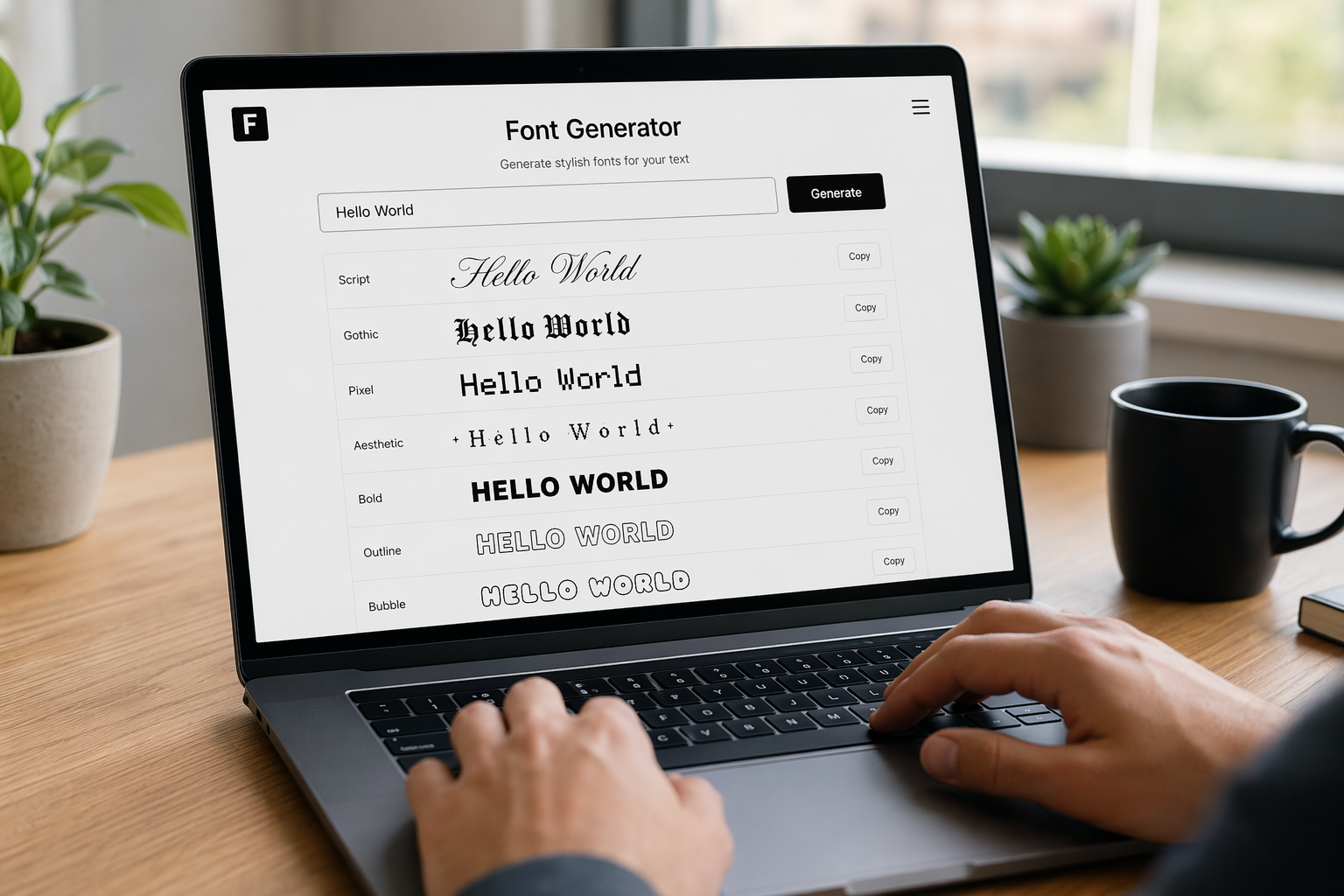
Choosing the right tool can make all the difference between a quick, fun experience and a frustrating one. While most free generators seem similar at first glance, a closer look reveals key features that separate the best from the rest. Here’s what to keep an eye on.
The primary reason for using a font generator is to access unique styles. A great tool won't just offer a handful of options; it will provide a vast library covering various aesthetics. Look for a generator that includes:
A font generator should streamline your workflow, not complicate it. The ideal user experience is simple: you type your text, browse the results, and copy your favorite style with a single click. Look for a clean, uncluttered interface. Excessive pop-ups, banner ads, and confusing layouts are red flags that can slow you down and make the process annoying.
While basic conversion is the core function, some advanced generators offer more control. These features allow for greater personalization and can make your text truly one-of-a-kind. Some examples include the ability to add symbols, kaomoji, or other advanced text decorators around your words. This lets you build a unique aesthetic that goes beyond a simple font change1.
The fancy text you generate is useless if it doesn't show up correctly for your audience. The "fonts" are actually sequences of Unicode characters. A reliable generator uses characters that are widely supported across different operating systems and platforms like Instagram, X (formerly Twitter), Facebook, and TikTok. Before committing to a style, it's a good idea to test how it appears on different devices. This ensures your message is seen as intended and doesn't just show up as empty boxes or question marks. Understanding Unicode character compatibility2 can help you troubleshoot any issues.
The text explains that these 'fonts' are Unicode characters, which is why cross-platform compatibility is a crucial feature to look for.
The article states that a top-tier generator should have a clean, uncluttered interface and that excessive ads are a red flag.
Ever wondered how those cool, stylized texts work everywhere you paste them? The secret isn't magic; it's a clever trick of technology. Let's peel back the curtain and see what's really going on with these 'fancy fonts'.
The 'fancy fonts' generated by these tools are not actually fonts but are sequences of Unicode text symbols. A font is a file that tells a computer how to display text, whereas these are unique characters that can be displayed universally across platforms without any special font installation.
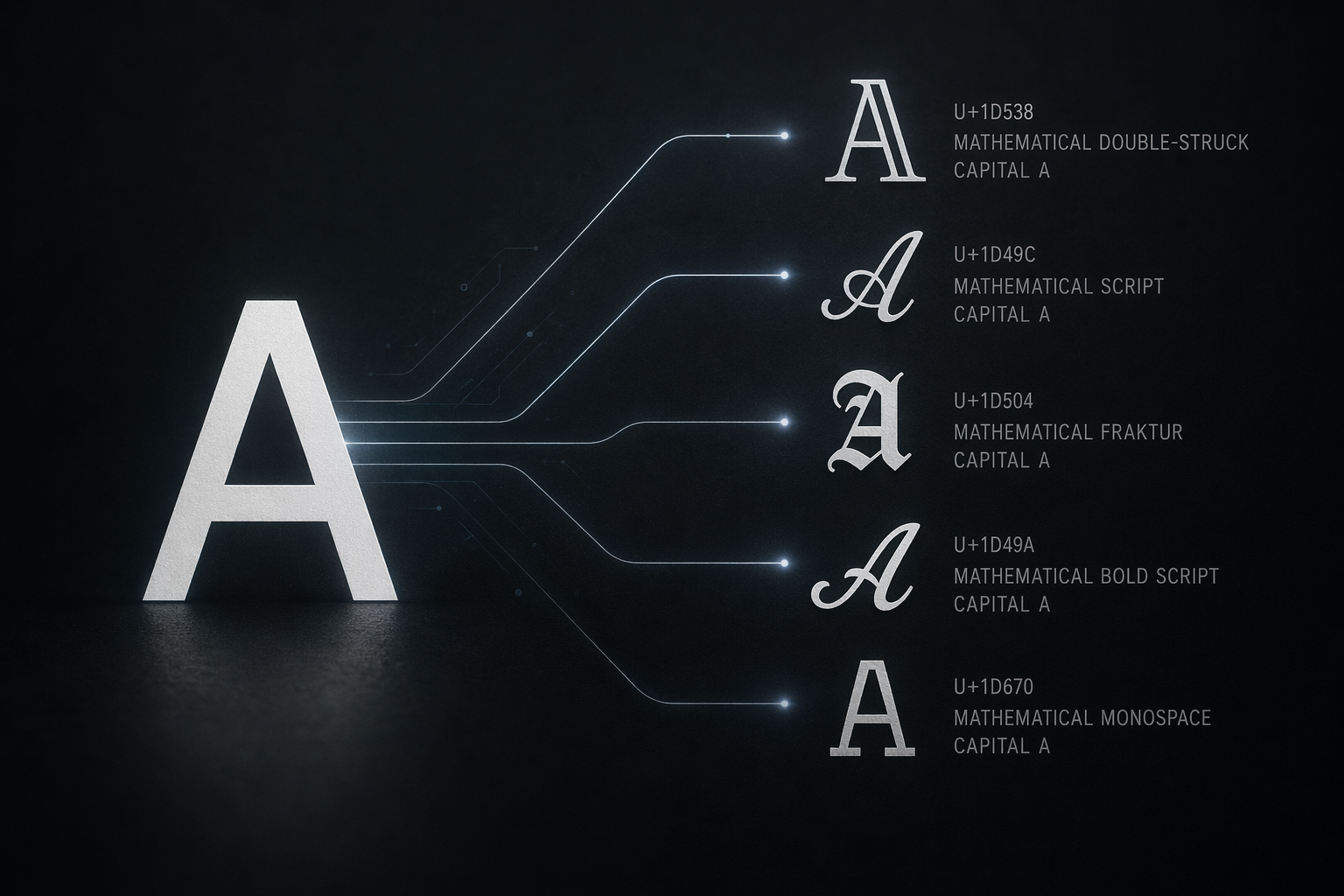
It's a common misconception, but the text you generate isn't a new font in the traditional sense. Understanding the difference is key to knowing why they work so seamlessly across different apps and devices.
A font is a digital file that contains a set of graphical representations for characters. When you type, your device uses an installed font (like Arial or Times New Roman) to render the letters on your screen. If the person viewing your text doesn't have that font installed, their device might substitute it with a default one.
On the other hand, the "fancy text" is created using Unicode symbols. Unicode is a universal standard that assigns a unique code to every character, symbol, and emoji. Think of it as a massive digital library of characters. When you use a fancy font generator, it swaps your standard letters for different characters from the Unicode library that look like stylized versions of those letters. For a deeper dive into this topic, you can learn more about what Unicode is3.
The process is a simple swap. For example, instead of the standard character 'A' (Unicode U+0041), the generator might use '𝔸' (MATHEMATICAL DOUBLE-STRUCK CAPITAL A, U+1D538) or '𝓐' (MATHEMATICAL BOLD SCRIPT CAPITAL A, U+1D49C).
Because these are standardized characters recognized by virtually all modern devices and platforms, they can be copied and pasted anywhere. The receiving platform doesn't need a special "font" installed; it just needs to support the common character encoding standards4 that include these symbols. This is why you can use them in your Instagram bio, a TikTok comment, or a WhatsApp message, and they will appear correctly for almost everyone.
These are not fonts but Unicode symbols. They are standardized characters that work across platforms without any installation.
These stylized letters are part of the universal Unicode standard, allowing them to be displayed correctly on most devices without special fonts.
Ready to make your Instagram bio and TikTok captions pop? Using generated fancy text is surprisingly simple and requires no special apps. It’s all about a quick copy-and-paste to transform your profile.
To use fancy text on Instagram or TikTok, first, go to a font generator website and type your desired text. Next, browse the generated styles and copy the one you like. Finally, open the Instagram or TikTok app and paste the copied text directly into your bio, caption, or comment section.

Using generated fancy text is a straightforward process that works across most social media platforms because it relies on universal Unicode characters. Here’s a breakdown of how to do it on Instagram and TikTok.
Instagram is a visual platform, and styled text can help your profile stand out. You can add fancy text to your Bio, post captions, Stories, and even comments.
Step-by-Step Guide for Your Instagram Bio:
The same copy-and-paste method works for captions and comments. For more creative ways to style your profile, you can explore different Instagram bio ideas that incorporate unique characters and layouts.
On TikTok, a unique profile can attract more followers. Fancy text is perfect for your bio and video descriptions.
Step-by-Step Guide for Your TikTok Profile:
You can also paste this text into the descriptions of your videos before posting to make them more engaging. Optimizing your entire profile is key, so consider looking into other TikTok profile optimization6 strategies to complement your new font style.
No special app is needed. The process involves using a font generator website and then copy-pasting the text directly into your profile or posts.
The copy-paste method works for various sections on Instagram, allowing you to add styled text to your bio, post captions, stories, and comments.
While copy-and-paste fonts offer a quick way to style your text, they aren't a flawless solution. Before you use fancy characters, it's crucial to understand the potential drawbacks that can impact your audience and your content's reach.
Yes, there are significant limitations. Copy-and-paste fonts can be inaccessible to screen readers, may not display correctly on all devices (appearing as boxes or “tofu”), and are often ignored by search engines, which negatively impacts SEO and searchability.
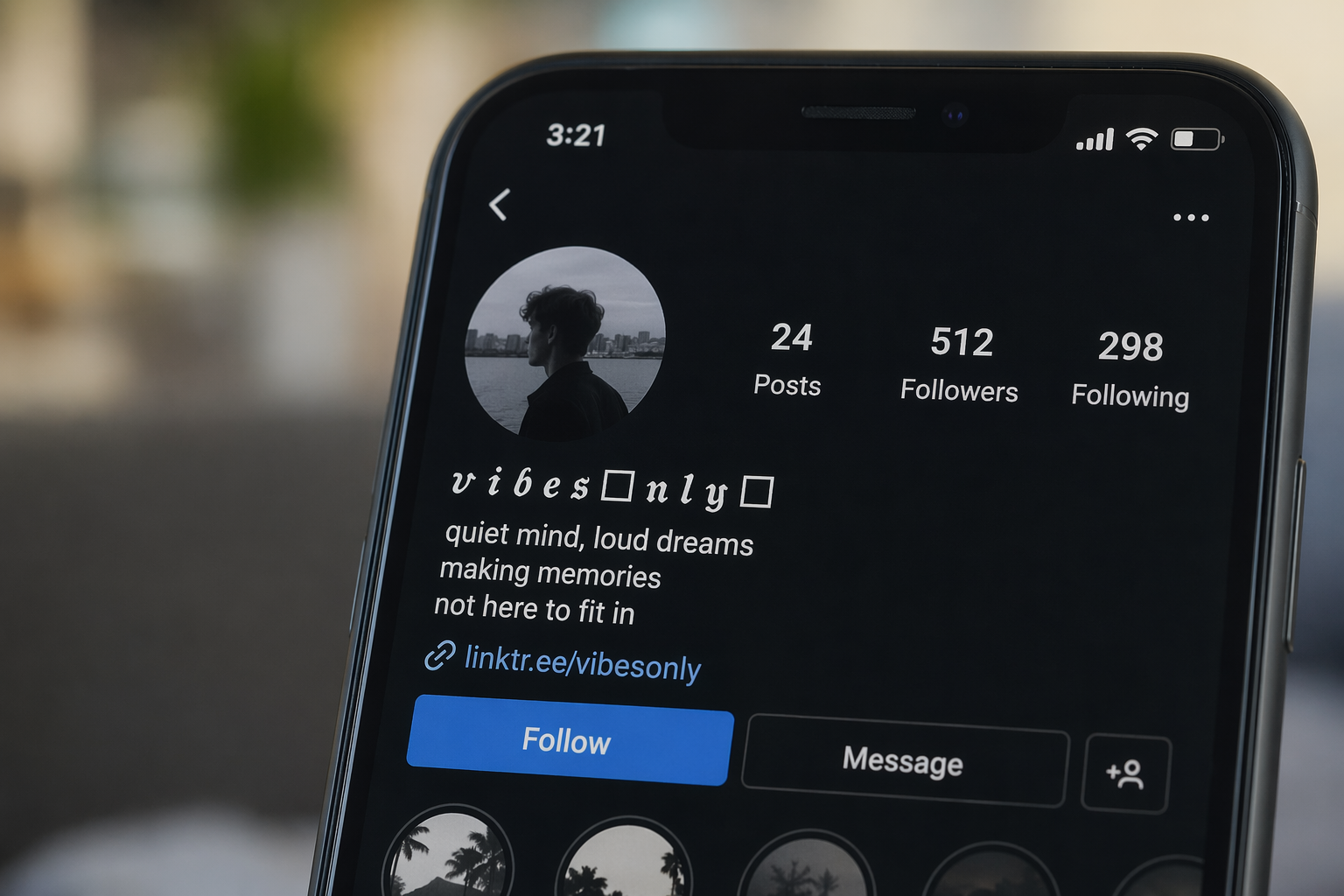
Fancy text generators are incredibly fun, but relying on them too heavily comes with trade-offs. It's important to be aware of the potential issues before you replace all your standard text with stylized characters.
The biggest drawback is accessibility. The "fonts" you're copying are actually a sequence of Unicode symbols that mimic letters. For visually impaired users who rely on screen reader software7, this can be a nightmare. Instead of reading the word "love," a screen reader might announce a jumble of confusing character names. This effectively excludes a portion of your audience from understanding your message.
Have you ever seen little empty boxes (☐☐☐) or question marks instead of text? This is often called "tofu." It happens when a device or platform doesn't have the necessary character set to display the specific Unicode symbols you've used. What looks beautiful on your iPhone might be an unreadable mess on an older Android device or a Windows PC. This inconsistency can undermine your message and make your content look broken.
Search engines like Google are designed to read and index standard text. When you use fancy text symbols8, search engine crawlers may not recognize them as the letters they're supposed to represent. For example, if you use a stylized "S" in your business name, it might not appear in search results when someone types the standard "S." This means your cleverly styled bio or post becomes invisible to search, hurting your discoverability and SEO.
Screen readers often misinterpret these Unicode symbols, making content inaccessible to users with visual impairments who rely on assistive technology.
Search engines may not recognize stylized characters as standard letters, which can negatively impact your content's discoverability and SEO.
So there you have it! My personal guide to making your words truly sing online. Go ahead, pick your favorite generator from my list, and start crafting text that not only catches eyes but also expresses your unique vibe. I can't wait to see what you create!
Learn to add unique symbols and decorations for more creative text designs: This converter creates fancy symbols. The explanation starts with unicode; an industry standard which creates the specification for thousands of different ... ↩
Understand why some fancy fonts might appear as boxes on certain devices: The problem is in the embedded font you use, via @font face. The version used by Android is apparently broken. It does not display “»”, and it has problems ... ↩
Understand the technology behind how these fancy text symbols display everywhere: The main difference between Unicode and ASCII is that Unicode allows characters to be up to 32 bits wide. That's over 4 billion unique values. ↩
Learn the technical distinction between fonts and character encoding standards: Character encoding is a convention of using a numeric value to represent each character of a writing script. ↩
Get inspiration for crafting a unique and eye-catching Instagram bio: This site allows you to generate text fonts that you can copy and paste into your Instagram bio. It's useful for generating Instagram bio symbols to make your ... ↩
Learn tips for making your TikTok profile stand out from the crowd: Many users achieve custom fonts by using external Unicode text generators. ... how to change tiktok profile picture, change tiktok dp, update ... ↩
Learn how fancy text impacts users with visual impairments: Learn how special characters, Unicode symbols, punctuation, emoticons and ASCII art impact screen reader accessibility and AT users. ↩
Understand the impact of using special characters on search engine rankings: Unless people are actually searching using unicode in their search terms, they are unlikely to have their searches match your fancy unicode ... ↩
Recommended reading: the latest three posts in this language.

Ever find yourself scrolling, searching for that perfect little mental escape? I know I do! When it comes to online tile puzzles, the options can feel endless. But don't worry, I've sifted through the colorful chaos to find the absolute best, including the beloved original Google game and some fantastic alternatives, just for you.

Have you ever just stopped to stare at the vast, endless blue of the sky or the deep, mysterious ocean? It feels like blue is everywhere, right? But then I started noticing something peculiar: when it comes to living things—plants, animals, us—true blue is incredibly hard to find. It got me wondering: why is such a common color in our world so shockingly rare in the vibrant tapestry of life? Let's explore this beautiful mystery together.

Oh, Easter! It’s one of my favorite times of the year, filled with the promise of spring and new beginnings. But what truly makes an Easter celebration sing? For me, it's all about the colors! I've found that a perfect palette, whether it's soft pastels like baby blue and blush pink, or something more vibrant like coral and teal, can completely transform the atmosphere. Let me show you how to pick shades that perfectly capture the spirit of renewal and joy, adding that special touch to your festivities.
